Real avatars
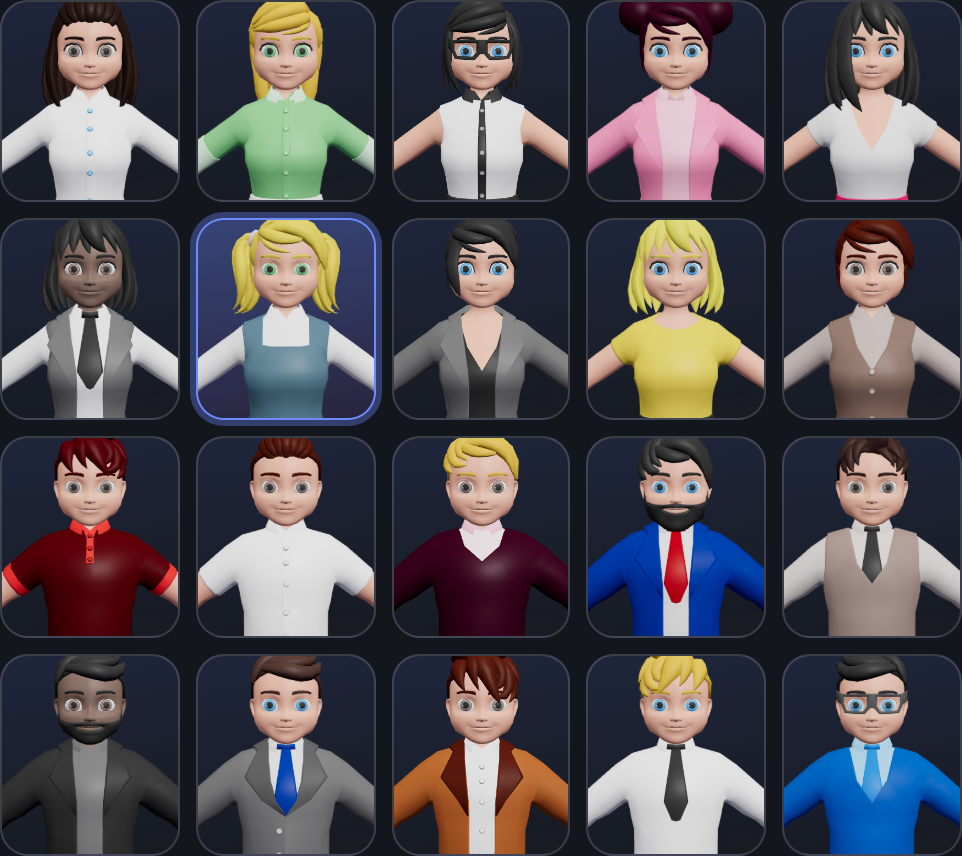
Pick one of 20 characters. In VR your head and hands are tracked, and your mouth moves when you talk.
VR meeting rooms for your team
OffSite is a shared office your team walks into, from a Meta Quest or any web browser. Talk face to face, sketch on the whiteboard, put your screen on the wall and walk around a 3D model, as if you were in the same room.
Invite-only. Ask your OffSite admin for access.

Everything a real meeting room has
Pick one of 20 characters. In VR your head and hands are tracked, and your mouth moves when you talk.
Voices come from where people are sitting, so side conversations feel natural.
Sketch together with a mouse or a controller. The board is still there next time you meet.
Share a window or your whole screen onto the big display, straight from the browser.
Drop a .glb file on the stand and everyone walks around the same model, live.
Rooms for the whole team or invited people only, plus guest links that expire and room locks.
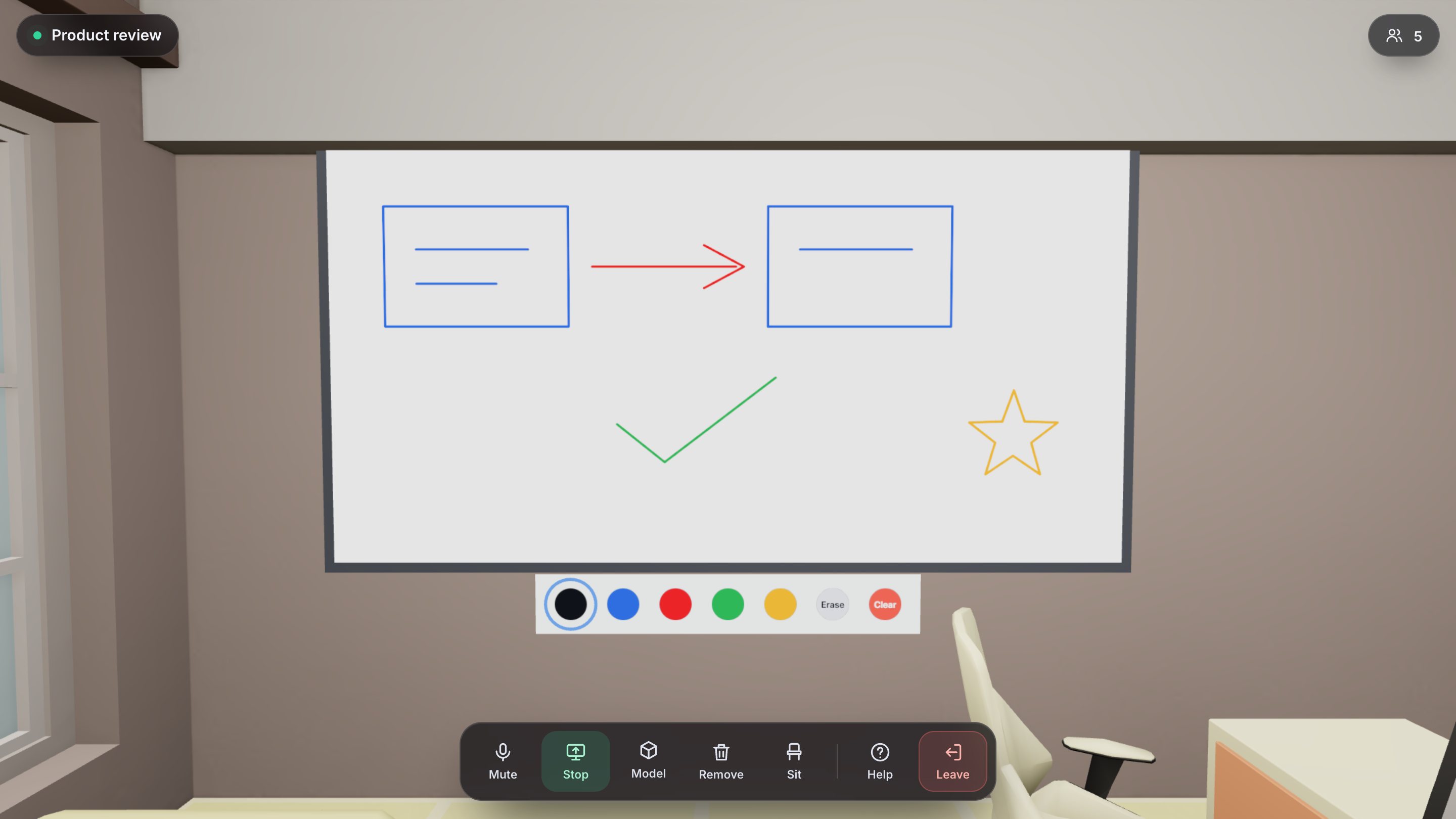
Whiteboard
Grab a color and draw. Everyone sees each stroke as it happens, and the board is saved with the room, so Monday's sketch is waiting on Thursday.
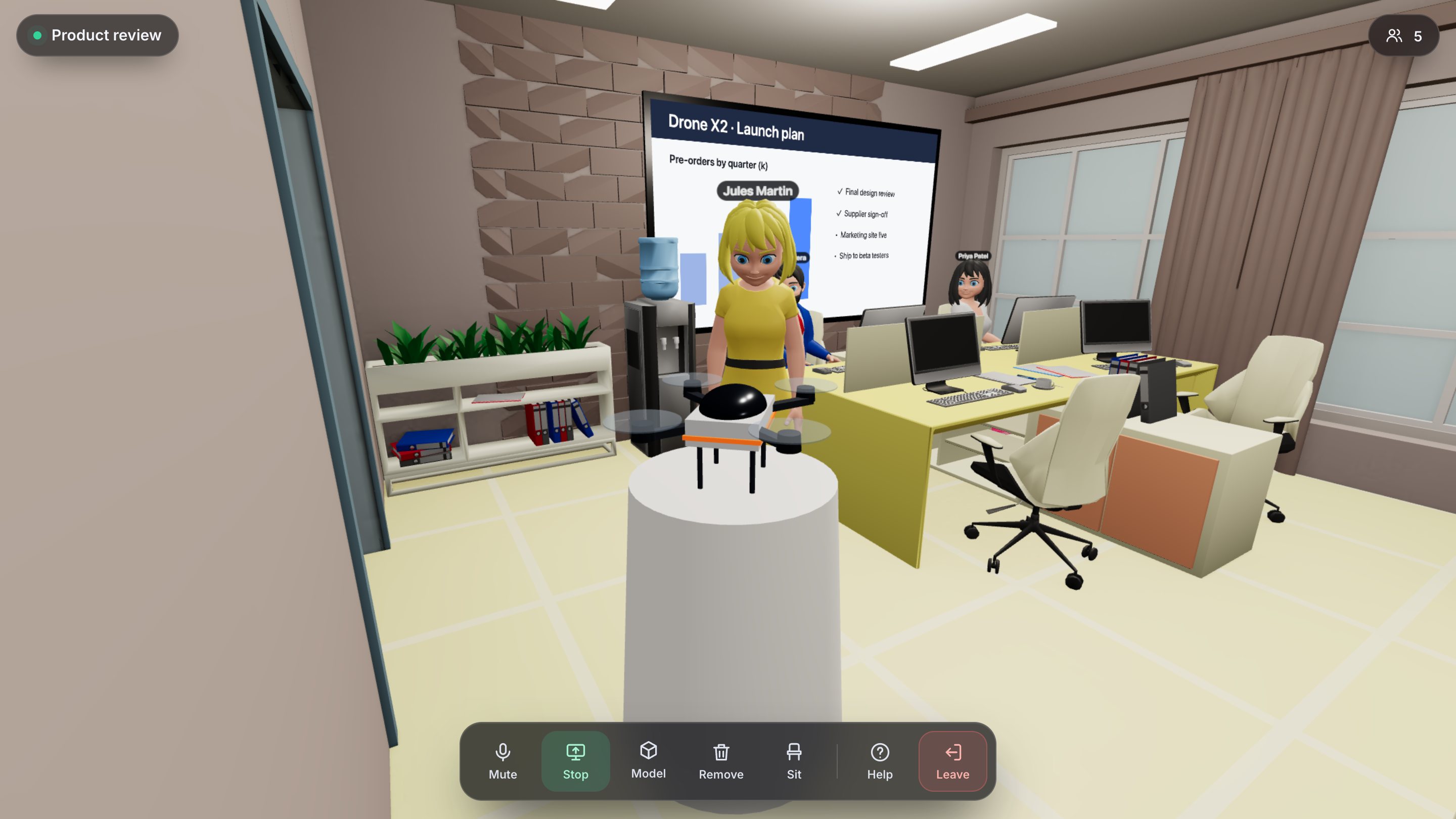
3D reviews
Product, architecture or game assets: upload a model and talk it through from every angle. Models are only visible to people in that room.
Works where your team is
Open OffSite in the Quest browser and press Enter VR. No app store, nothing to install. Sign in with a 6-character code instead of typing a password.
No headset? Join from Chrome, Edge or Safari on a laptop with the same 3D room, using the keyboard and mouse.
Send a guest link to someone outside the team. They join with just a name, for as long as the link is valid.
How it works
Your admin sends you an invite link. There is no public sign-up.
Join a team room or a private one, or create your own.
Enter from your headset or browser. Your seat is waiting.
Your rooms, your data, on your own server, with encrypted connections, invite-only accounts and private rooms.